
How to store ID documents on your phone
Sensible ways to keep photos of a passport, driver's license or ID card off your camera roll and cloud memories, and how to handle other people's IDs.
A photo of your passport is handy at a hotel desk, on a rental form, or when the original is lost abroad. It is also most of what someone needs to pretend to be you. The aim is simple: keep the copy useful to you and boring to everyone else.
Why the camera roll is the wrong place
A passport photo in your main library is exposed in quiet ways. It syncs to iCloud Photos or Google Photos and shows up on every signed-in device. It can surface in a memory slideshow or a widget. Any app with full photo access can read it. And anyone you hand your unlocked phone to can swipe past it while looking for a picture of your dog.
A simple setup
- Keep only what you need. Usually the passport photo page and one other ID. Fewer copies, fewer places to protect.
- Take one clean shot. Flat surface, good light, all four corners visible. The image crop tool can straighten it in your browser.
- Move it somewhere locked. The iPhone Hidden album with Face ID required, Google Photos Locked Folder, Samsung Secure Folder, or a vault app.
- Clear the leftovers. Delete the original from the main library, then from Recently Deleted.
- Check the cloud. Open the web version of iCloud Photos or Google Photos and make sure the copy is not still there.
- Prune when you renew. An expired passport scan is no use to you and still has your details on it.
If you try VaultWell when it launches, one option is a vault used only for documents, so opening it to show a boarding pass never puts other photos on screen. The add sheet takes images from Photos, Camera, or Files.
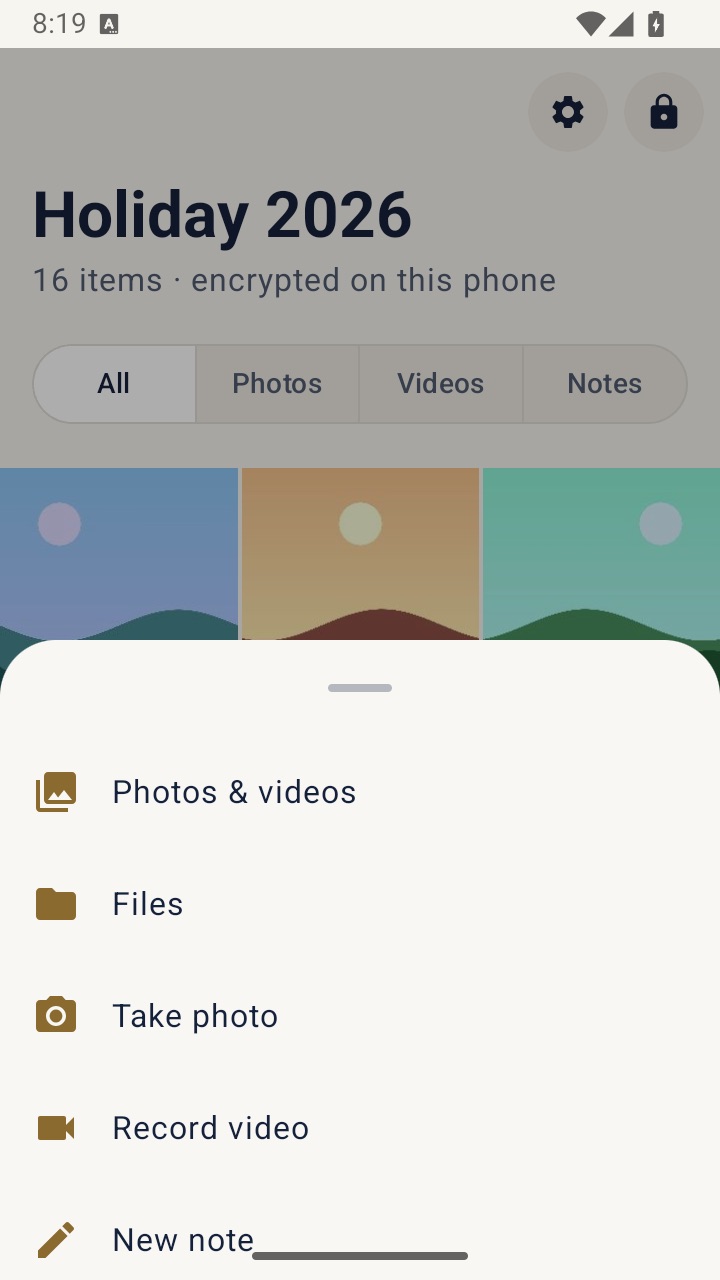
VaultWell has no cloud sync, so a lost phone means relying on an encrypted .vwbackup file you exported yourself. For many people a built-in locked album is enough.
Digital IDs and wallets
In some places you can add a driver's license or state ID to Apple Wallet or Google Wallet, and some countries offer official ID apps. Where they are accepted, these are built for the job and usually beat a photo. Availability varies a lot by country and state, so check what applies to you. Keep the physical document either way: in most situations a photo is not legal identification.
Sending a copy to someone
Scams often start with "just send a quick photo of your ID". Confirm the request through a channel you already trust before you send anything. When a copy does need to go out:
- Write a purpose across it, such as "For rental application only, October 2026". A marked copy is less useful if it leaks.
- Cover numbers the recipient does not need, if they allow it.
- Use the organization's secure upload rather than ordinary email where one exists.
If you handle other people's IDs for work
Landlords, agents, tutors, accountants, and small businesses are often asked to check ID. A quick photo feels easy, but it puts someone else's identity on your phone, and that comes with responsibility. Follow your employer's or regulator's rules and any data protection or identity verification laws that apply. This is general information, not legal advice.
- Ask whether you need a copy at all. Sometimes seeing the document and noting that you checked it is enough.
- Use the approved route. If your work has a verification service or secure upload, use it instead of your camera.
- Keep client IDs apart from your own life. Out of the main camera roll and away from personal cloud sync.
- Tell people what happens next. What you need, why, where it is kept, and when it is deleted. If they would rather show the document in person, accept that where your rules allow.
- Delete on schedule, and say so. Including from Recently Deleted. A forgotten ID photo on a phone years after the job ended helps no one.
- Know your duty if the phone is lost. Encryption protects a lost device, but you may still have to report the loss. Find out before it happens.
Personal tools, VaultWell included, have no retention controls or audit logs. Where a compliance system is required, they are not a substitute for it.