
Features
Features
Everything VaultWell does to keep your photos, videos and notes private, and how each part works.
When someone picks up your phone
Phones get handed over, borrowed and left on tables. Nothing on screen should give your vaults away.
Hidden vaults
As many separate vaults as you need. Each opens only with its own path, and none of them knows about the others.
Learn more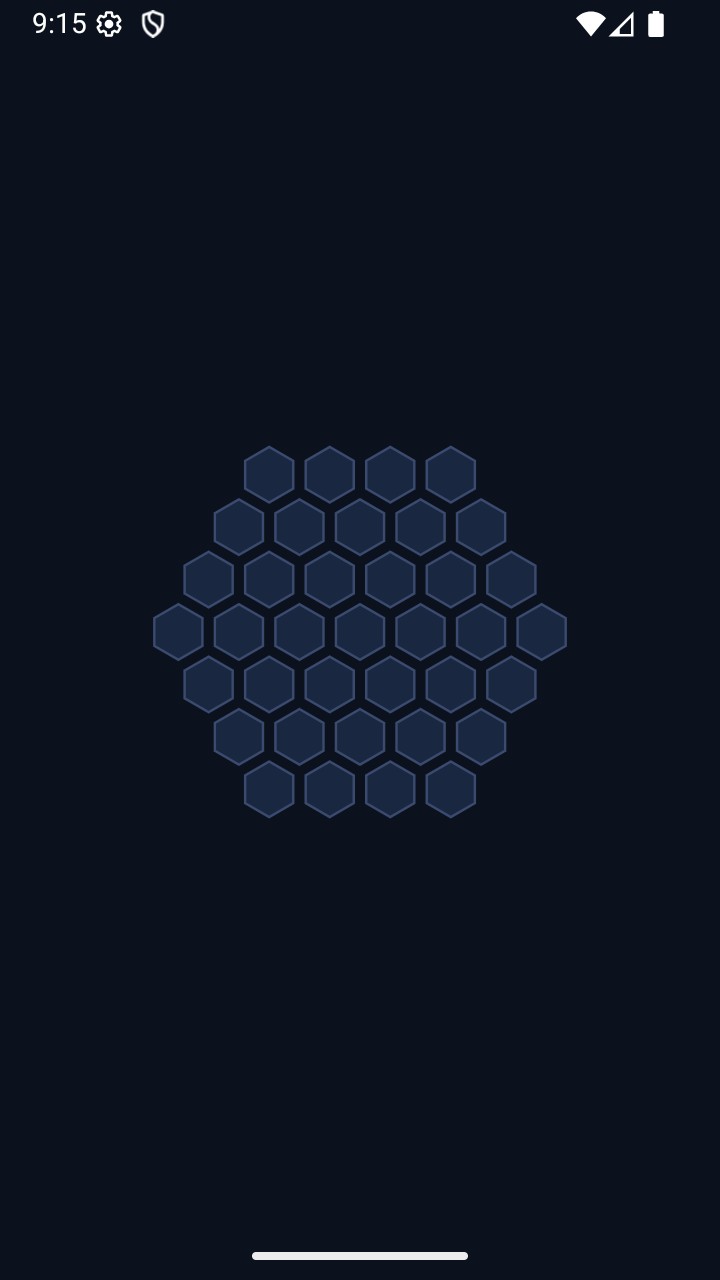
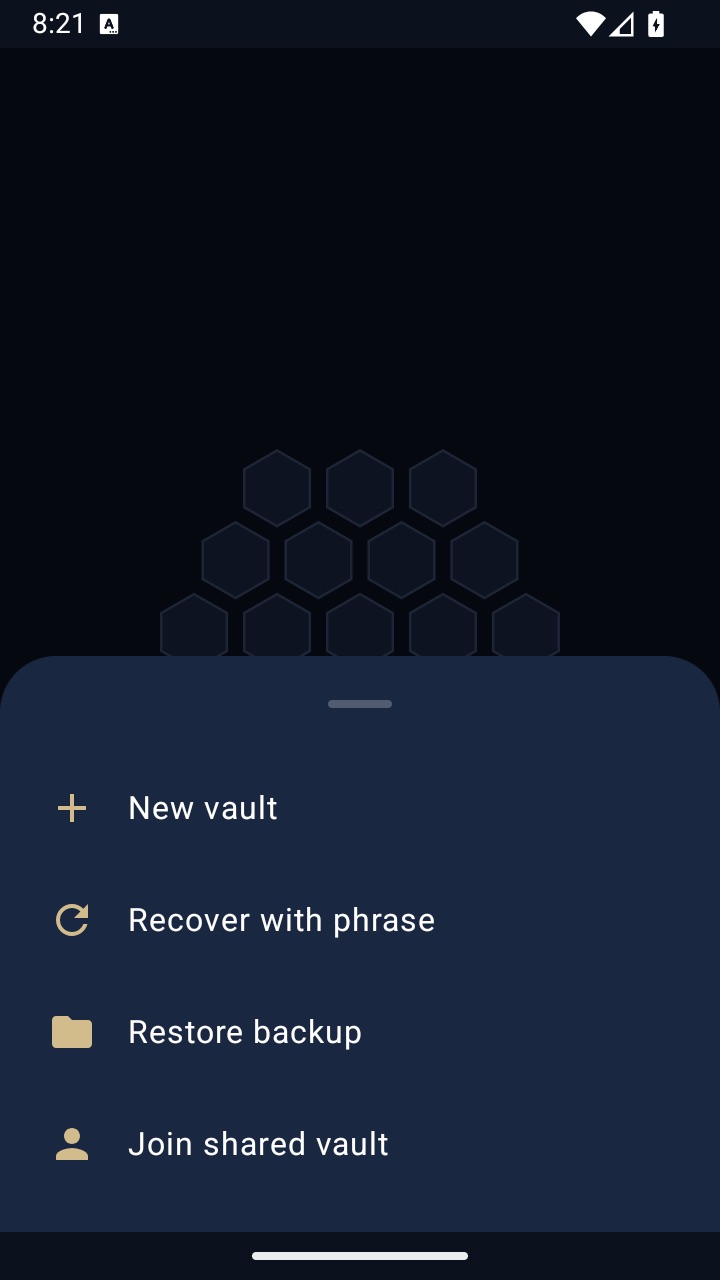
Plausible deniability
Nothing on screen reveals how many vaults exist or which path matters.
Learn more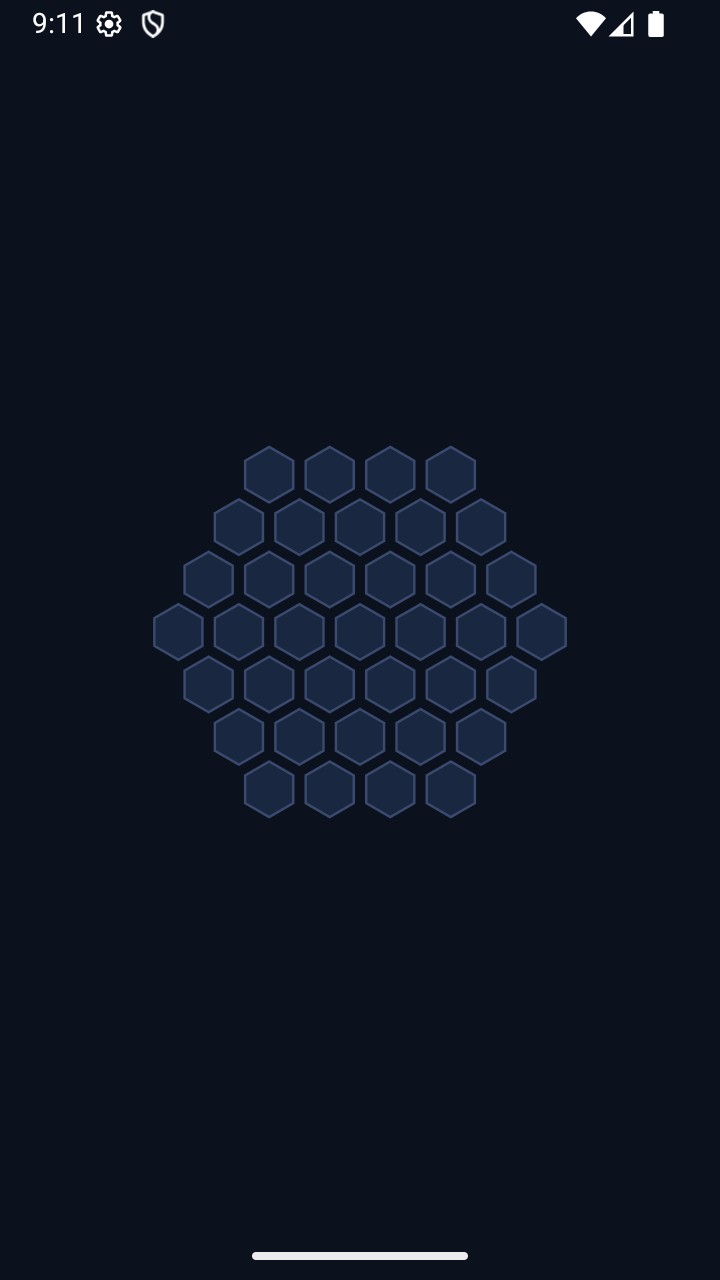
Disguise icons
Calculator, Printer or Compass icons for your home screen.
Learn more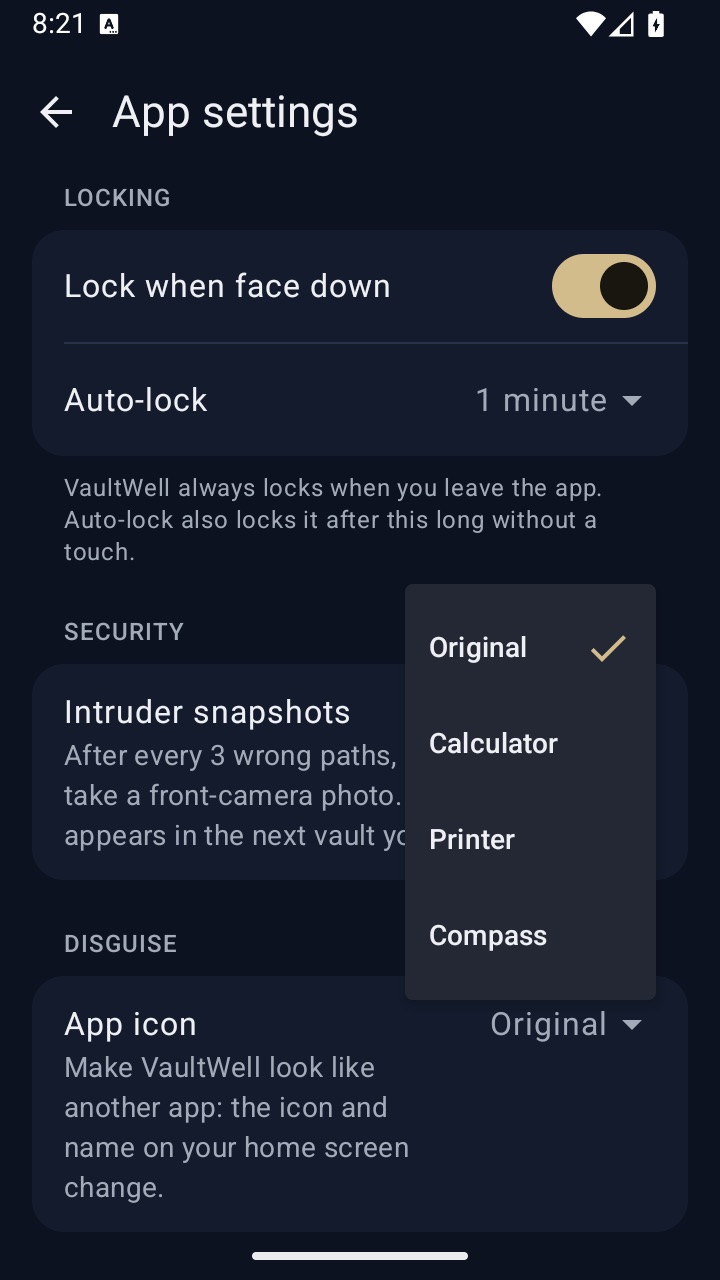
Auto-lock
Locks when you leave, when idle, or when you turn the phone face down.
Learn moreScreen protection
Protects against screen capture and hides content in the app switcher.
Learn moreWhen you're pressured
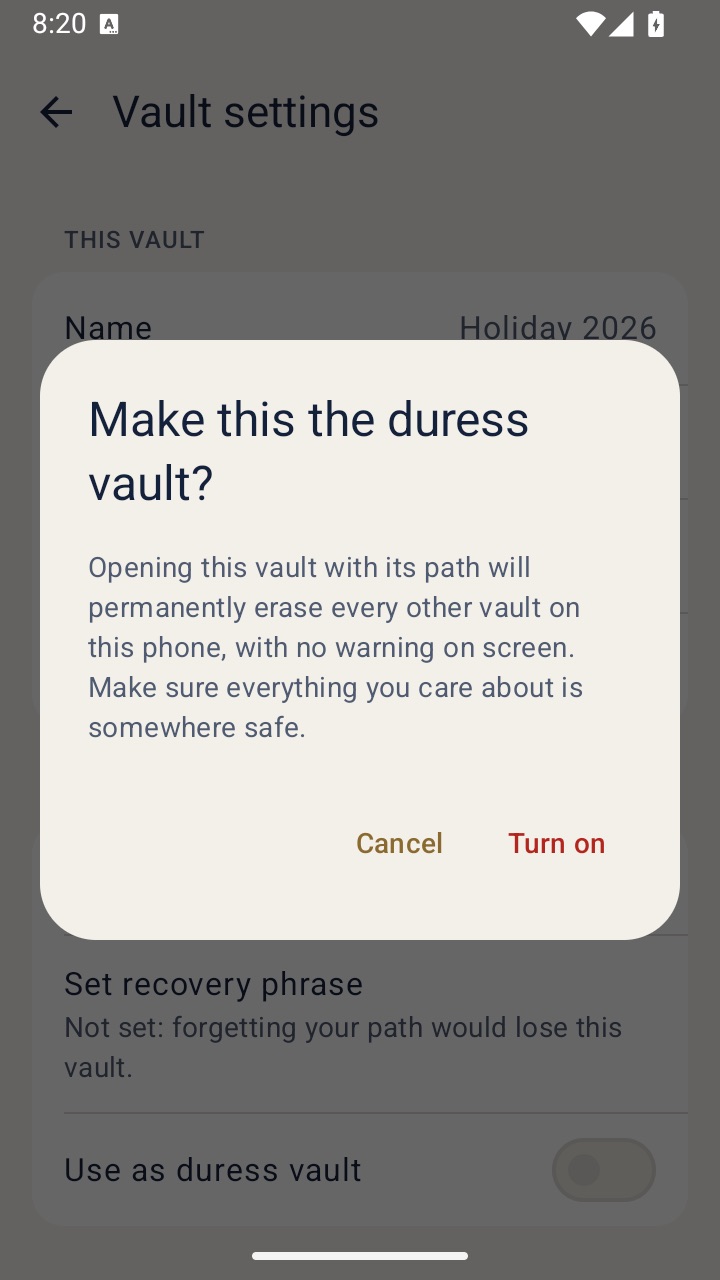
Someone insists you unlock. A duress vault opens like any other and erases the rest.
When you share or switch phones
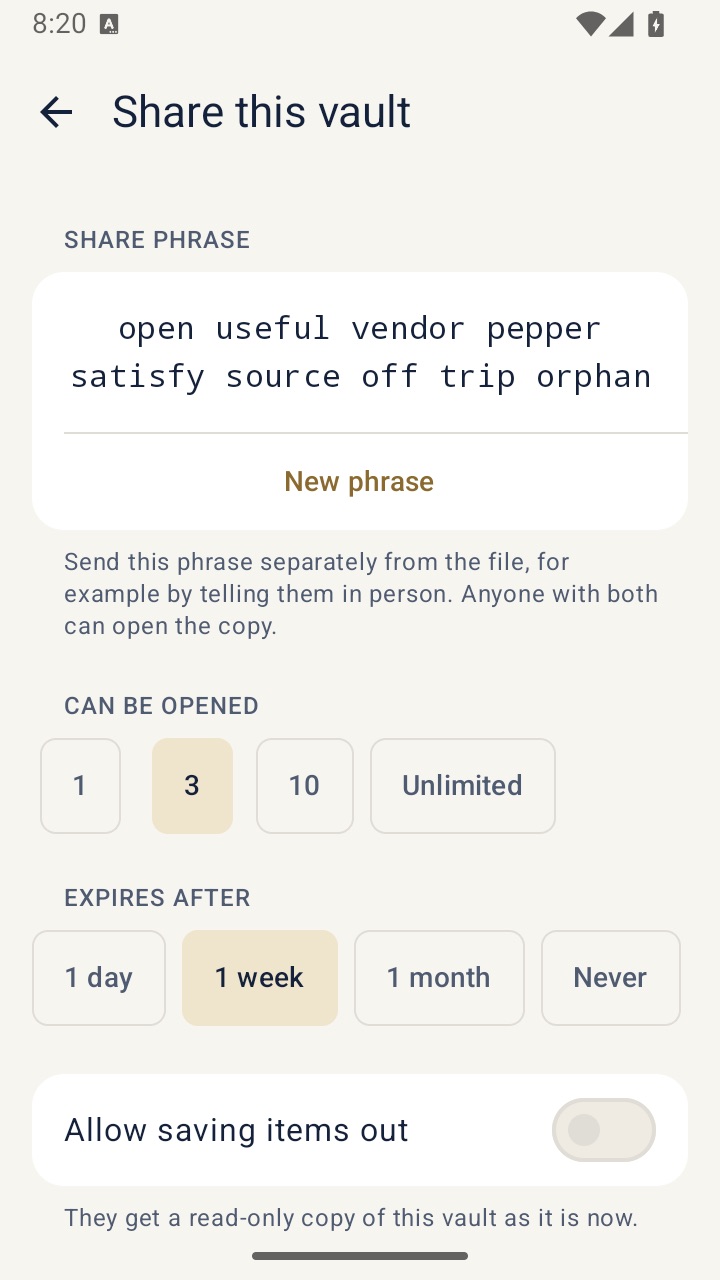
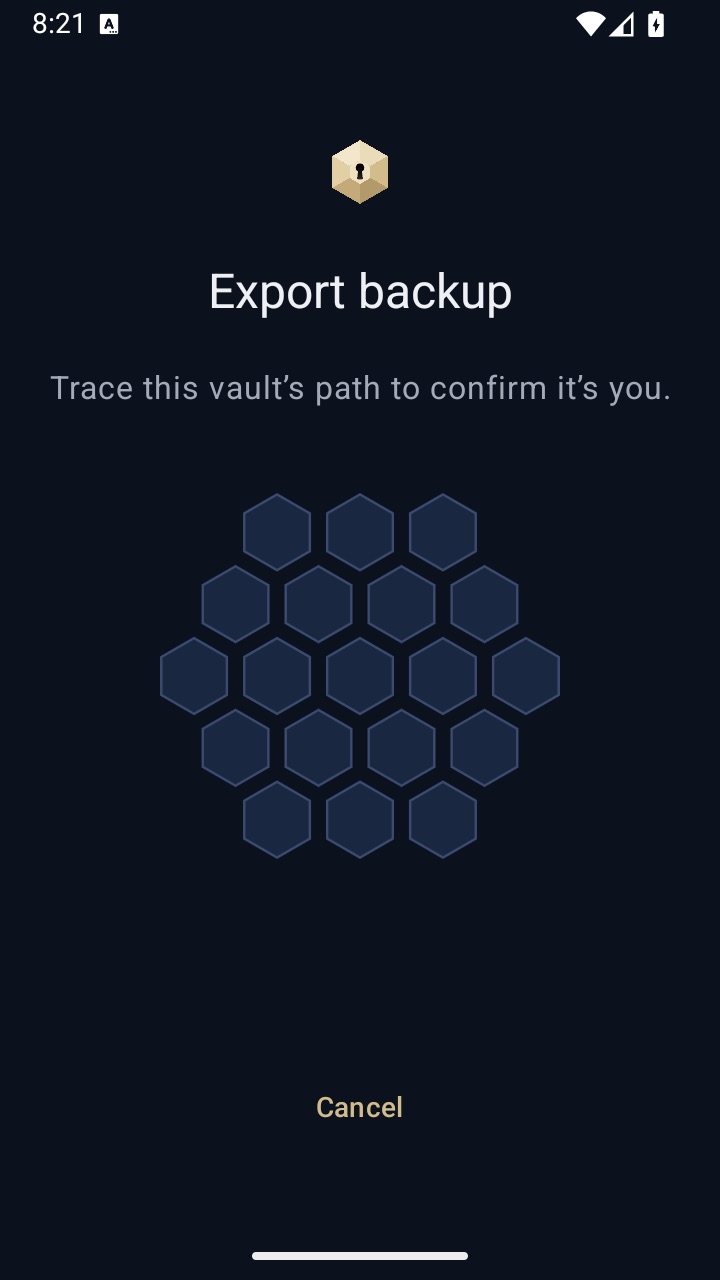
Vaults live on one phone. Moving and sharing happen through encrypted files you keep in your own hands.
Every day
The parts you use without thinking about them.
Photos, videos and notes
Add from Photos, Camera or Files, or write a note. View, select and share.
Learn more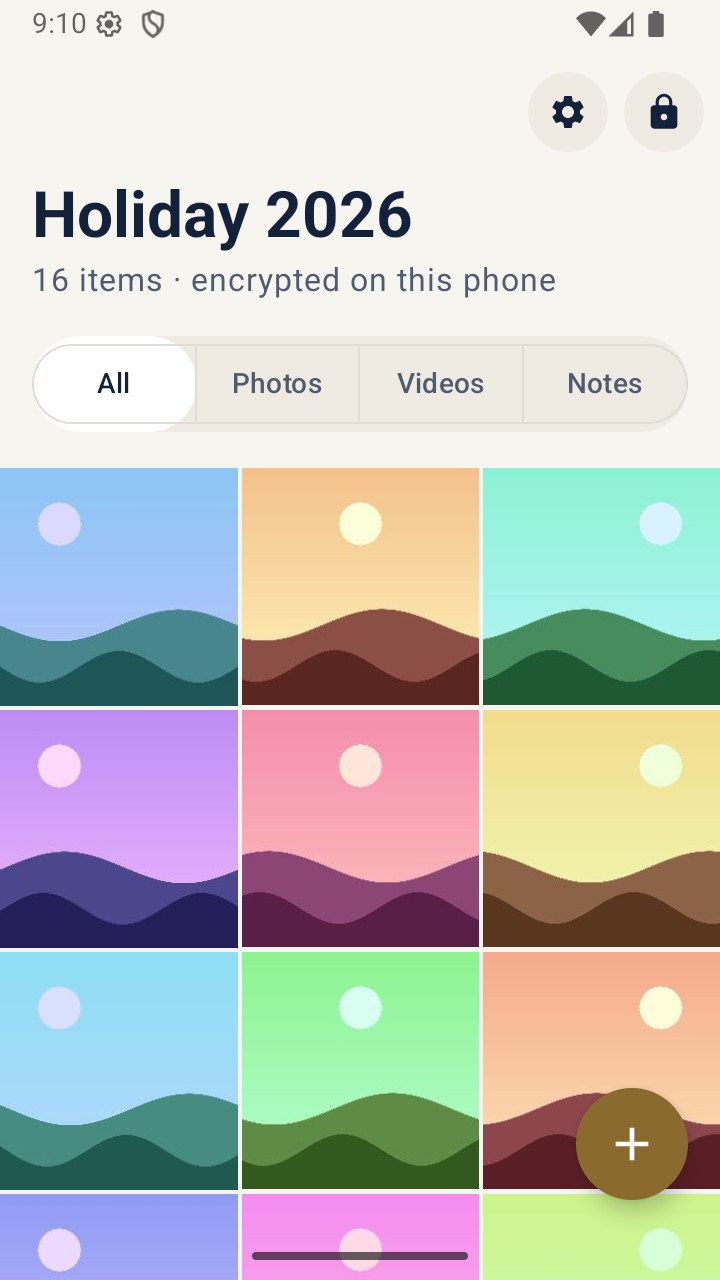
Path encryption
A path traced on the comb becomes the key that encrypts each vault.
Learn more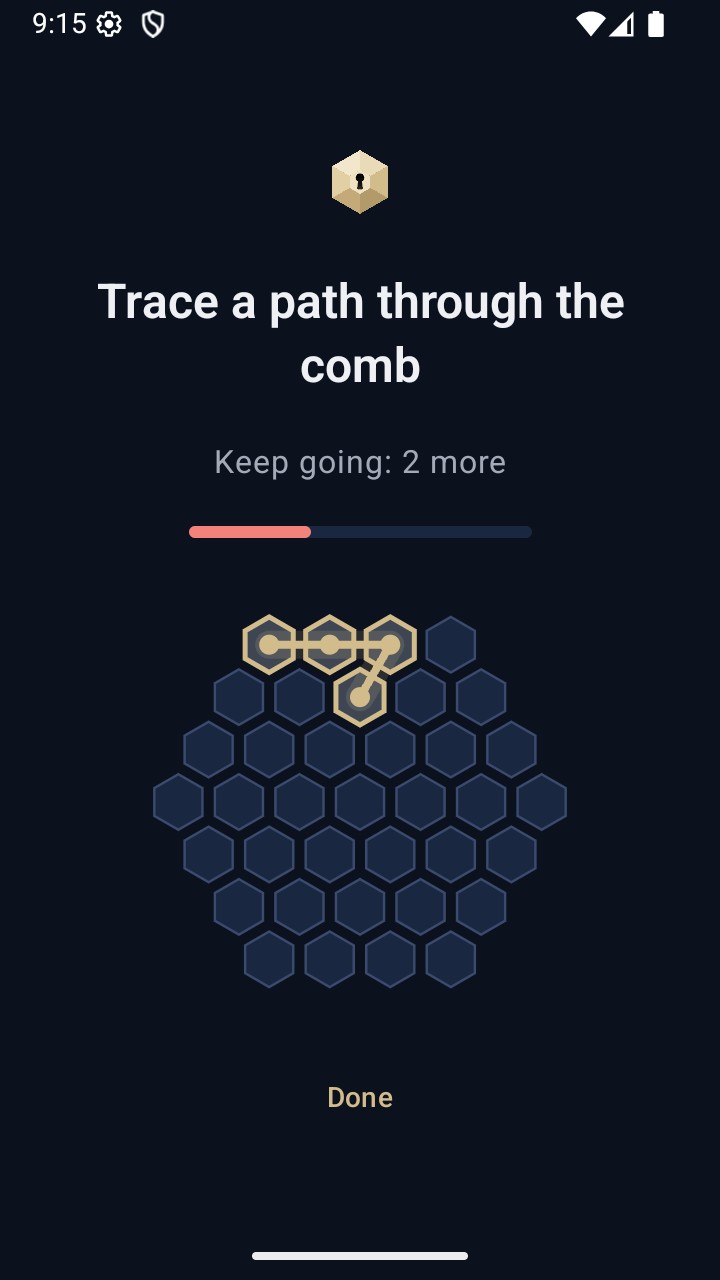
Easy from the first tap
One welcome screen, no account, no paywall during setup.
Learn more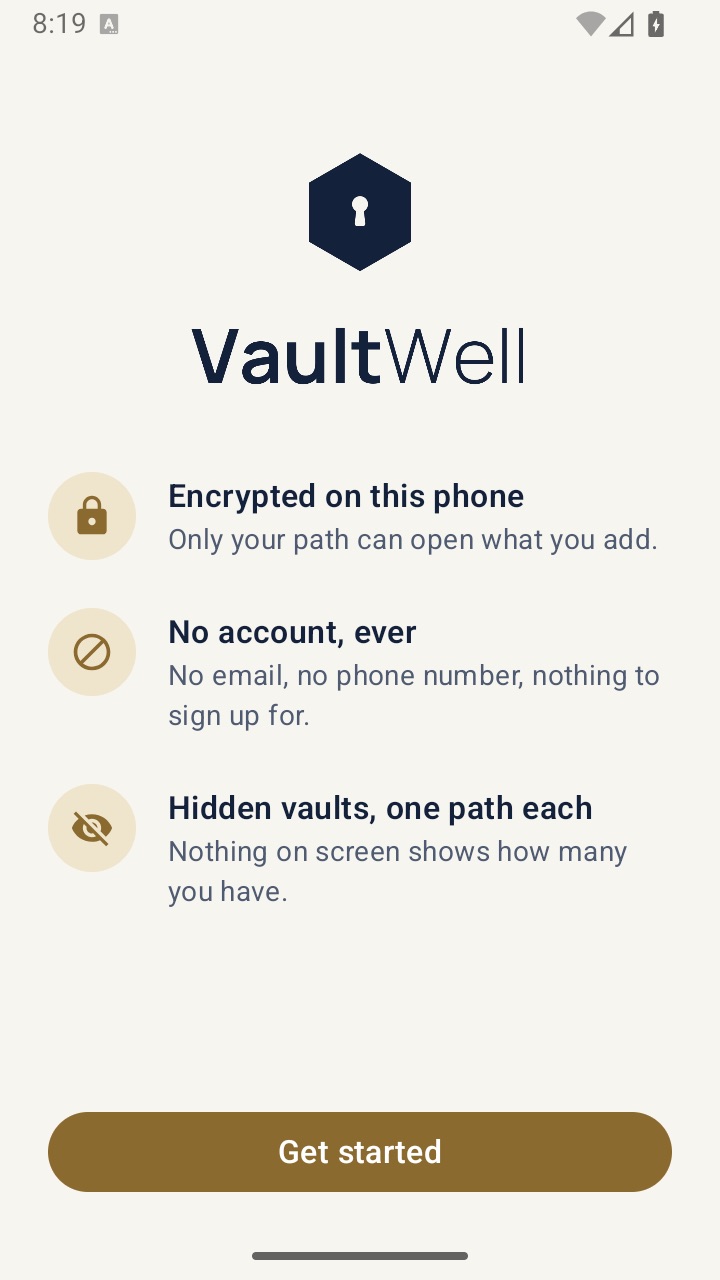
33 languages
Follows your phone's language unless you choose another in the app.
Learn moreSecurity architecture
Argon2id, hardware-bound keys and chunked AES-GCM, explained plainly.
Learn moreHow it fits together
Everything starts with a path. You trace it on the comb, and VaultWell turns it into the key for one vault. Trace a different path and you open a different vault, or nothing at all. The screen never shows how many vaults exist.
- Lock. Your path becomes a key, stretched with Argon2id and tied to your phone's hardware.
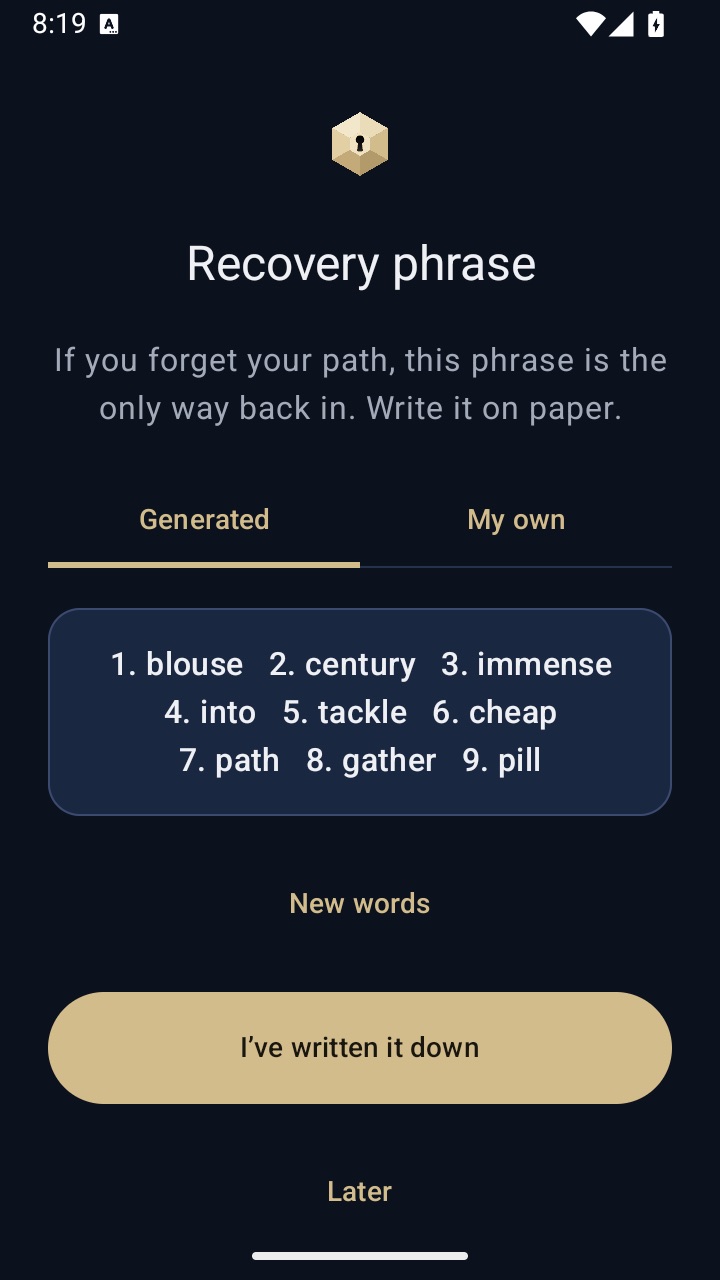
- Recover. A recovery phrase brings a vault back if you forget the path.
- Hide. Hidden vaults, a quiet lock screen and disguise icons keep what you have to yourself.
- Under pressure. A duress vault opens normally and permanently erases the others.
- Keep and share. Encrypted backups move vaults to a new phone; shares give someone a read-only copy with limits.
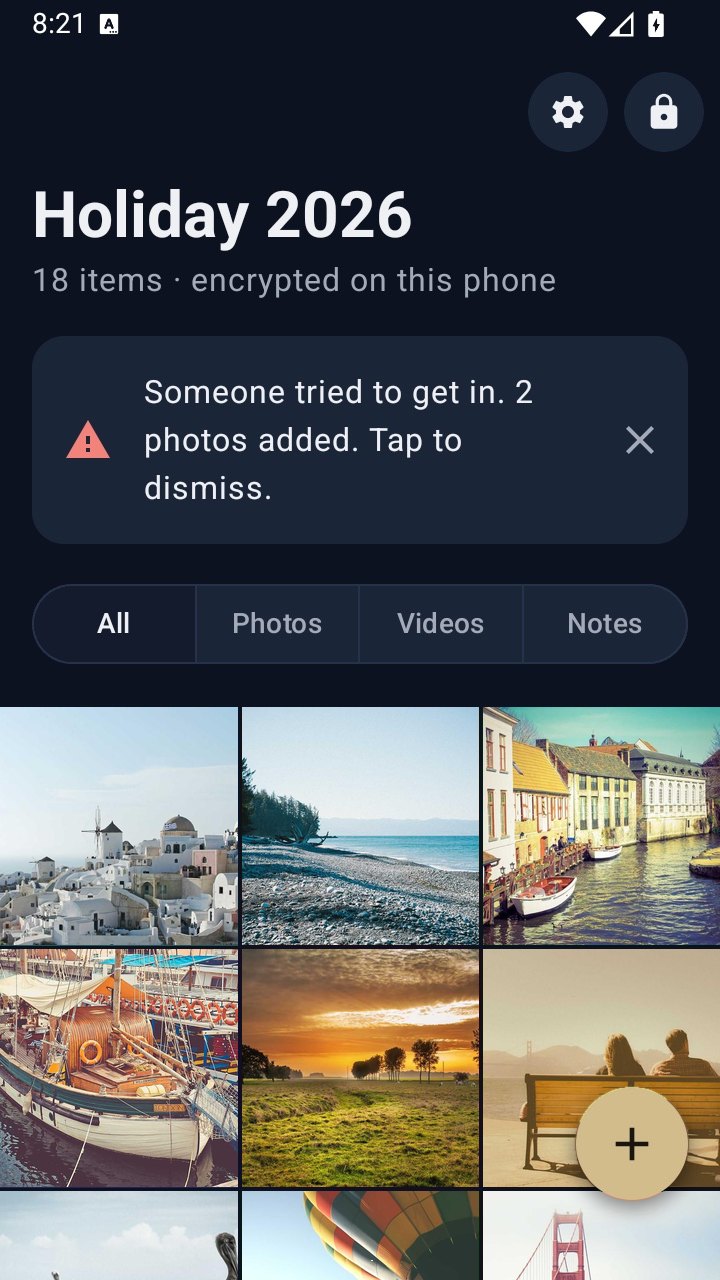
- Watch. Auto-lock, screen protection and intruder snapshots cover the moments around an open vault.
No account sits behind any of this, and nothing is sent to us. Read the security page for the full picture, including what VaultWell doesn't protect against.