
Feature
Encrypted backups
Export a vault as an encrypted .vwbackup file, keep it wherever you like, and restore it on a new iPhone or Android phone with the vault's path.
What it is
VaultWell keeps your vaults on your phone and doesn't sync them anywhere. To protect against losing or replacing your phone, you can export a vault as a single encrypted file ending in .vwbackup. You decide where it goes: a computer, a USB drive, or a cloud drive you already use. The file is encrypted before it leaves the app.
How to make a backup
- Open the vault and go to its settings, then Backup & sharing.
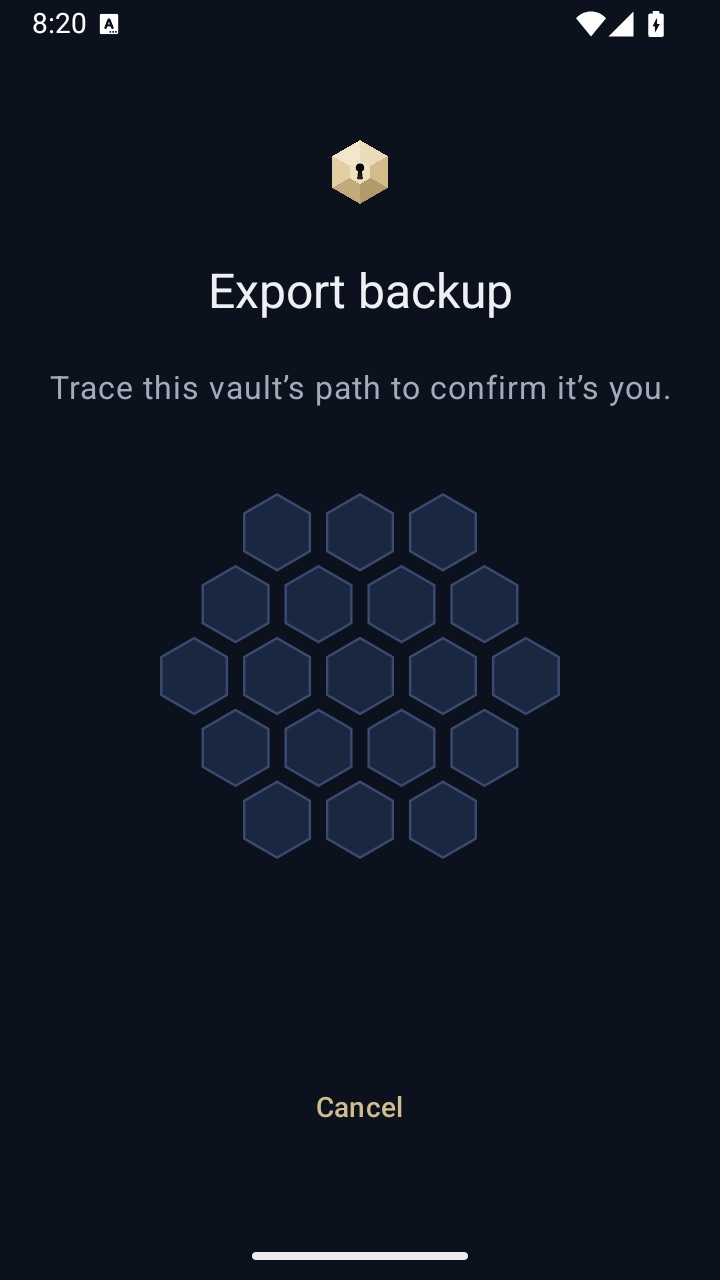
- Choose Export backup and trace the vault's path to confirm it's you.
- When it says Backup ready, choose Save backup and pick a place off the phone.
- Repeat for each vault you want to keep. Each vault has its own backup.
How to restore
- Install VaultWell on the new phone. It can be an iPhone or an Android phone, whichever the old one was.
- On the lock screen, long-press the centre cell and choose Restore backup.
- Pick the
.vwbackupfile and trace the vault's path. If you've forgotten it, use the recovery phrase instead.
How it works under the hood
Inside the app, vault keys are tied to the phone's security hardware, which is exactly why they can't move to a new phone on their own. A backup instead locks the vault's master key with Argon2id from your path (and, if set, your phrase) using a fresh random salt for that backup, without the hardware step. The items inside stay encrypted as they were. Restoring re-locks everything under the new phone's hardware.
Honest limits
- Because a backup has no hardware binding, its only protection is your path or phrase, together with Argon2id. Keep backups somewhere private, and use a strong path.
- Backups are snapshots. Items added afterwards aren't in them until you export again.
- There's no automatic backup or cloud sync today. You make backups yourself.
- The duress vault doesn't reach backups stored elsewhere.
Questions
Can I store a backup in iCloud Drive or Google Drive?
Yes, by saving the file there yourself. The file is already encrypted. VaultWell doesn't connect to these services for you.
Can I restore an iPhone backup on Android?
Yes. The format is the same on both platforms.
How often should I back up?
Whenever you've added things you'd hate to lose, and always before turning on a duress vault or changing phones.
Does the backup include the recovery phrase?
It includes a copy of the master key locked by the phrase, so the phrase can open it. The phrase itself is never stored.