
Feature
Photos, videos and notes
Add from Photos, Camera or Files, or write a note. View in a calm viewer with slideshow, select many at once, and share or delete.
What it is
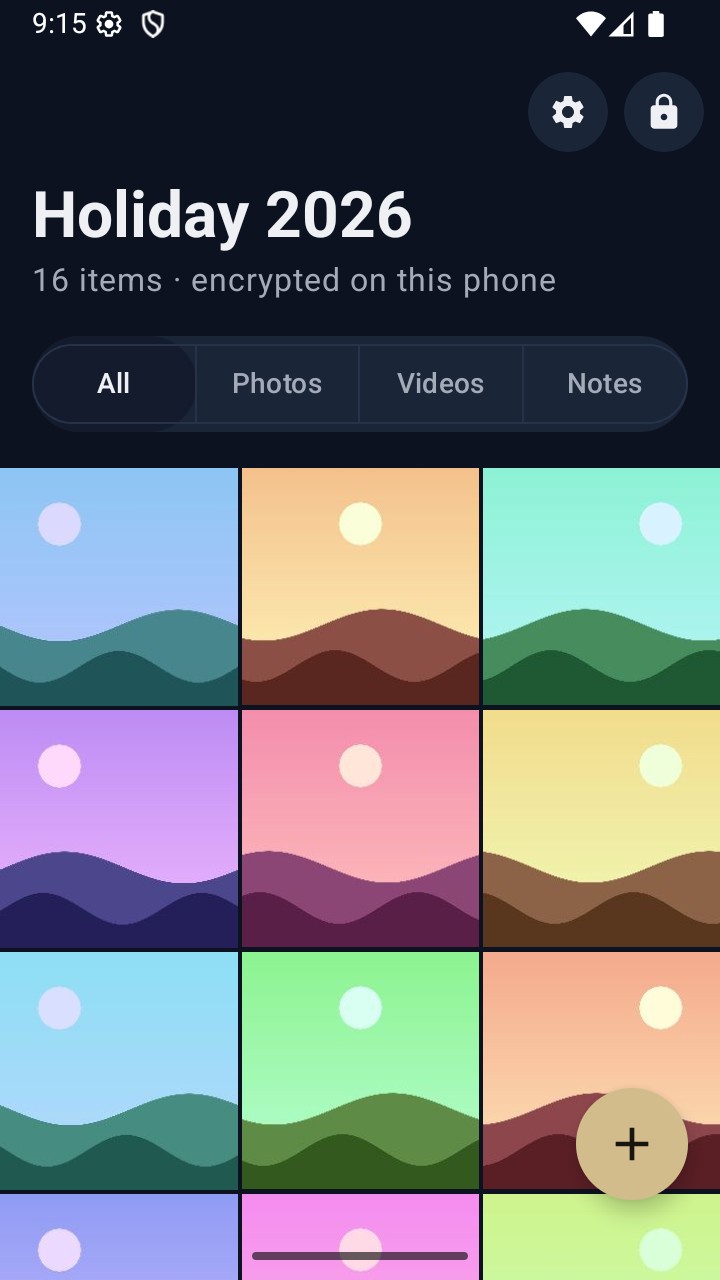
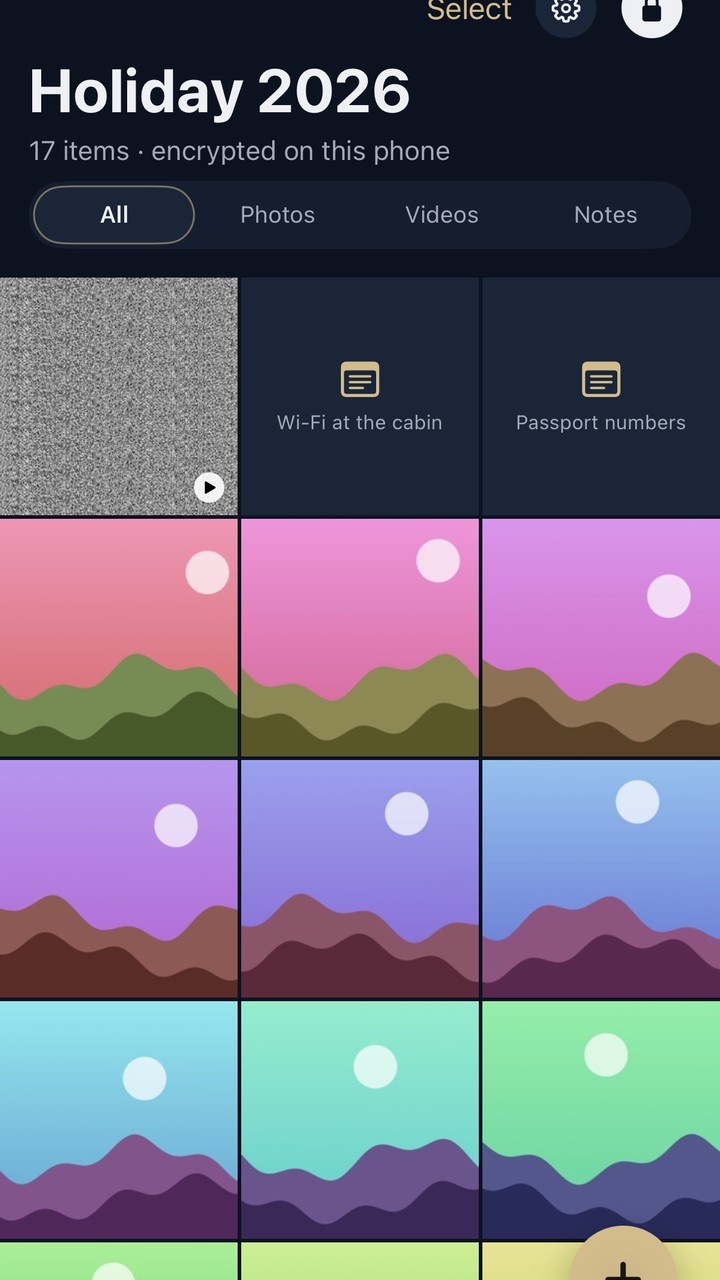
A vault holds the things you'd rather keep to yourself: photos, videos, documents and notes. Everything sits in one grid, which you can filter to All, Photos, Videos or Notes. Videos show their length, and large videos play and seek smoothly.
Adding things
- Tap the gold + button at the bottom right.
- Choose Photos, Camera, Files or Note.
- Pick items, take a photo, or start writing. Each item lands in the grid once it's encrypted.
When you add from Photos, the originals stay in your photo library. Delete them there yourself if you'd like them gone. On Android, the system photo picker only gives VaultWell read access, so it can't remove them for you.
Viewing and managing
- Tap an item to open the viewer. Swipe between items, or start a slideshow.
- Long-press or tap Select to choose several items, then Delete or Share them.
- Notes open in a simple editor and are encrypted like everything else.
- Rename the vault from its settings.
How it works under the hood
Each item is encrypted in 1 MiB chunks, so the viewer only decrypts the part it needs to show. Thumbnails are encrypted separately. The list of items, with names and dates, is encrypted too.
Honest limits
- There are no folders inside a vault today. Use separate vaults, or the filters, to keep things apart.
- Sharing items out of a vault (to another app) creates an unencrypted copy outside VaultWell.
- Photos taken with the system camera may also be saved to your photo library, depending on your phone. Check your library after using Camera.
Questions
Is there a file size limit?
Only your phone's free space. Very large videos are supported.
Are notes encrypted?
Yes, exactly like photos and videos.
Does VaultWell remove photos from my library?
Not automatically. On Android it can't, because the system picker gives read-only access. Delete originals yourself if you want them gone.