
Feature
33 languages
VaultWell speaks 33 languages. It follows your phone's language unless you choose another in the app.
What it is
Privacy should be readable in your own language. VaultWell is available in 33 languages, including right-to-left languages such as Arabic and Hebrew. It uses your phone's language by default, and you can pick a different one for the app alone.
How to change the language
- By default, VaultWell matches the language set on your phone.
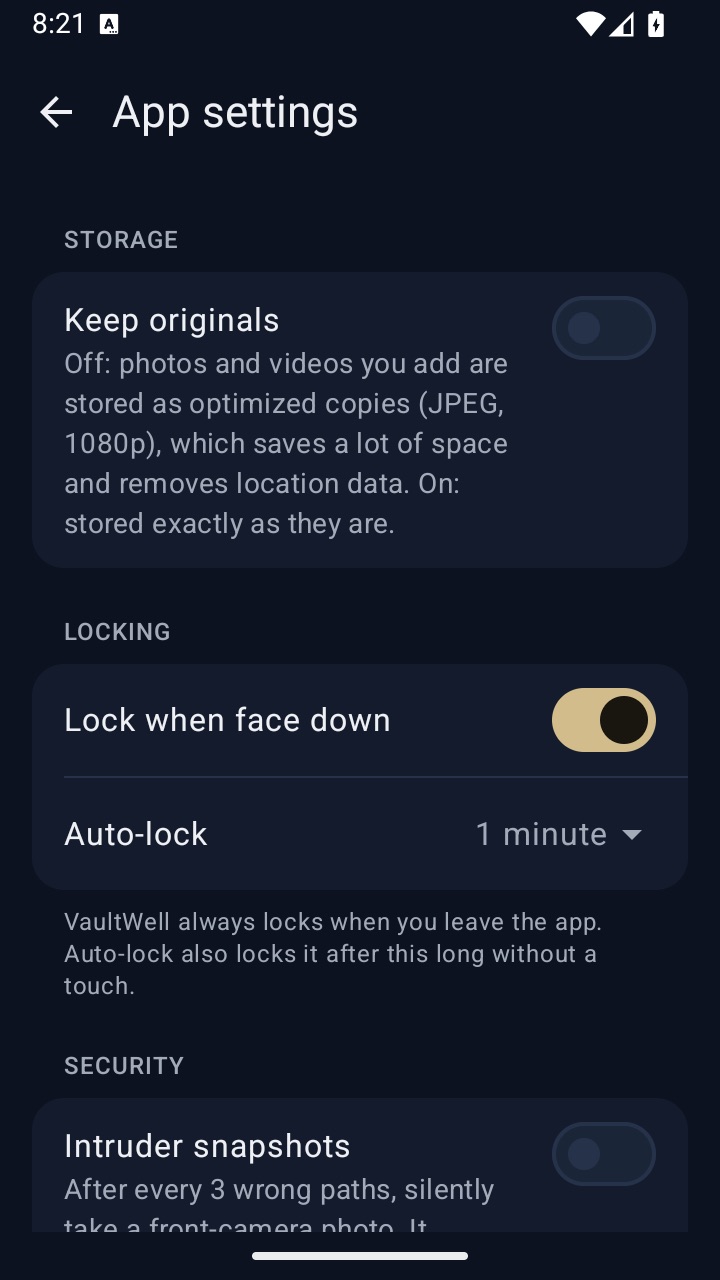
- To use another language for VaultWell only, open a vault, go to the app settings and choose a language.
- To go back to following your phone, choose the system language option there.
Languages
English, Spanish, German, French, Portuguese (Brazil and Portugal), Italian, Dutch, Japanese, Korean, Simplified and Traditional Chinese, Arabic, Hebrew, Hindi, Indonesian, Vietnamese, Thai, Turkish, Russian, Ukrainian, Polish, Czech, Slovak, Hungarian, Romanian, Croatian, Greek, Swedish, Danish, Norwegian Bokmål, Finnish and Catalan.
How it works under the hood
Both apps share one set of strings, so wording is consistent across iPhone and Android. Layouts mirror for right-to-left languages, and plural forms follow each language's rules.
Honest limits
- Translations are being reviewed by native speakers before launch, with security wording checked first. Some phrasing may change.
- A few long labels may wrap differently in some languages.
Questions
Is this website translated too?
Many pages are. Use the language picker at the top or bottom of the page.
Can I suggest a better translation?
Yes, we'd welcome it. Contact details will be added before launch.
Does the recovery phrase depend on my language?
Generated phrases use a standard English word list. Your own phrase can be in any language.