
Lending your phone or passing it around
A stranger needs a call, or friends want to watch a video and pick songs. How to hand your phone over without handing over your private life.
There are two versions of this moment. A stranger at the bus stop has a dead battery and needs to call a ride. Or it is late at a dinner table, someone wants to see last night's video, someone else wants to pick the next song, and your unlocked phone is drifting from hand to hand.
Both are kind, ordinary things. A few habits let you keep saying yes.
When someone needs it for a minute
Open the app yourself first: dial the number, start the map, open the browser. Then hand it over. If it is a stranger, stay close, or offer to put the call on speaker while you hold the phone. Saying "I'll dial for you" is perfectly polite.
If they need it for emergency services, you do not need to unlock anything. Most phones can make emergency calls straight from the lock screen.
When it is going around a table
This is harder, because it is relaxed and nobody is watching where the phone goes. Two settings do most of the work:
- Pin it to one app. Guided Access on iPhone (Settings, then Accessibility) or app pinning on Android (search Settings for "pin"). Set it to ask for your passcode when exiting. Now the music app stays the music app.
- Quiet the notifications. Turn on Do Not Disturb, or set previews to show only when unlocked, so a private message does not pop up in someone else's hand.
If someone wants a photo or video for themselves, send it with AirDrop or Quick Share rather than passing the phone. Afterwards, set receiving back to contacts only.
Afterwards
Take a quick look at recent calls, open browser tabs, the camera roll and your social apps. Friends sometimes post a joke or take a dozen selfies. It takes thirty seconds and you will sleep better.
If this happens a lot
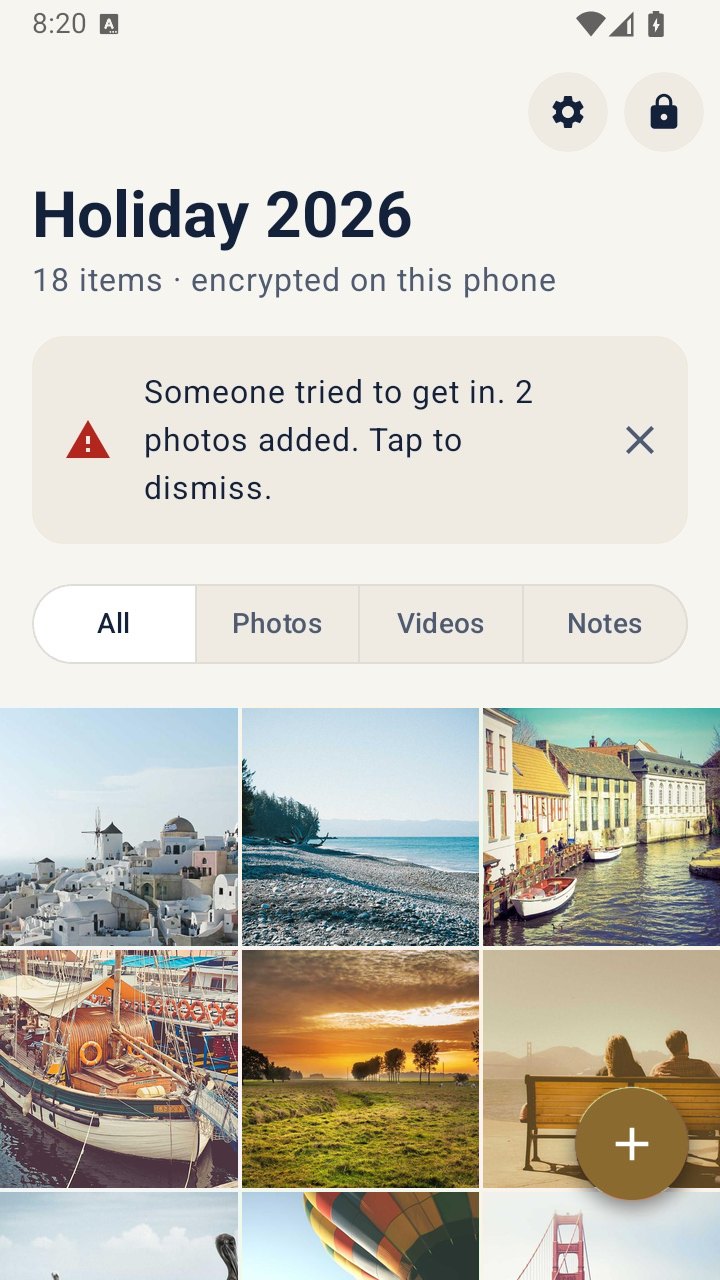
If your phone is often in other hands, move private photos out of the main library before the next night out: the iPhone Hidden album, Google Photos Locked Folder or Samsung Secure Folder all work for casual curiosity. If someone who might borrow it also knows your passcode, a separate vault with its own unlock goes further. VaultWell, coming soon, opens each vault with a traced path, and its intruder snapshots can quietly take a front-camera photo after a set number of wrong attempts.
What still applies
An unlocked, unpinned phone gives access to email, messages and accounts, whatever you have hidden. Pinning is the habit that matters most. And "can I borrow your phone" is sometimes the start of a scam; trust your instincts.