
How to keep notes private on your phone
Lock notes on iPhone, use locked or private note apps on Android, and think about sync, widgets and search so private notes stay private.
Notes apps end up holding journal entries, account numbers, and drafts you are not ready to send. Locking the note is the first half. The second half is the places its text slips out.
On iPhone: Apple Notes
Open the note, tap the More button, and choose Lock. You can use your iPhone passcode or a separate notes password; pick the separate one if anyone else knows your passcode. To change it later, search Settings for "Notes password". Locked notes are encrypted, but the title stays visible in the list, so give sensitive notes a dull title. You can also require Face ID for the whole Notes app by pressing and holding its icon.
On Android: it depends on the app
Samsung Notes can lock individual notes from the More menu inside a note. Google Keep cannot lock single notes at the time of writing; the usual workaround is to put Keep in Private space or Samsung Secure Folder so the whole app sits behind a separate lock. With any other notes app, check whether its lock encrypts the text or only puts a screen in front of it. Menu names vary by phone and app version.
Where the text still leaks
- Sync. Notes often appear on a tablet or computer signed in to the same account. Check the device list.
- Widgets. A notes widget may show the first lines of a note on the Home Screen.
- Search. Unlocked notes can turn up in phone-wide search.
- Shared folders. Collaborators see changes as you type.
- Clipboard. Copying a password from a note leaves it on the clipboard for a while.
Notes next to photos
If the note belongs with photos, such as a dated log next to pictures of a leak in a rental, it can help to keep them together. VaultWell, coming soon, lets you write notes inside an encrypted vault, with no account and no cloud sync. Notes leave the phone only in an encrypted backup you export yourself.
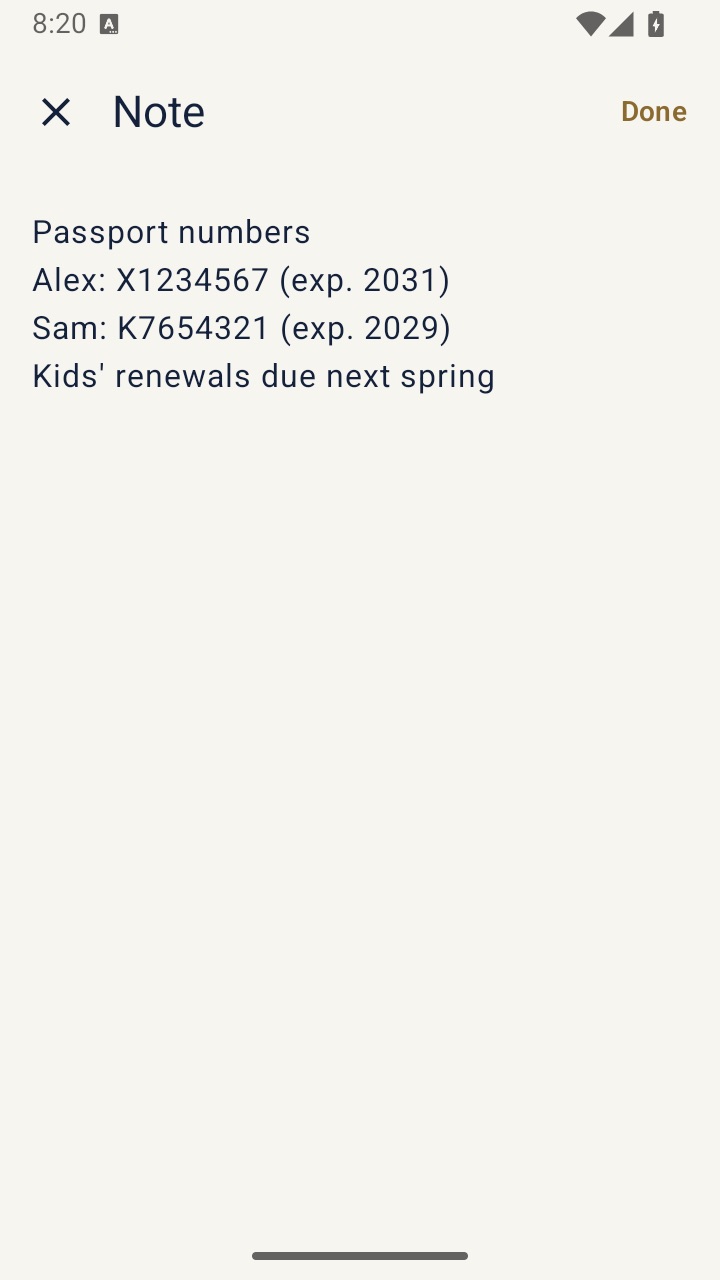
Locked notes in Apple Notes or Samsung Notes are a solid free choice if you only need text.
Before you rely on any lock
If you forget a separate notes password, recovery may not be possible, so write it down somewhere safe away from the phone. And remember that a note open on screen can be photographed by anyone standing behind you. If you are keeping notes about abuse or a dispute, short, dated, factual entries tend to be the most useful. This is general information, not legal advice.